

Understand On-Site Operations First
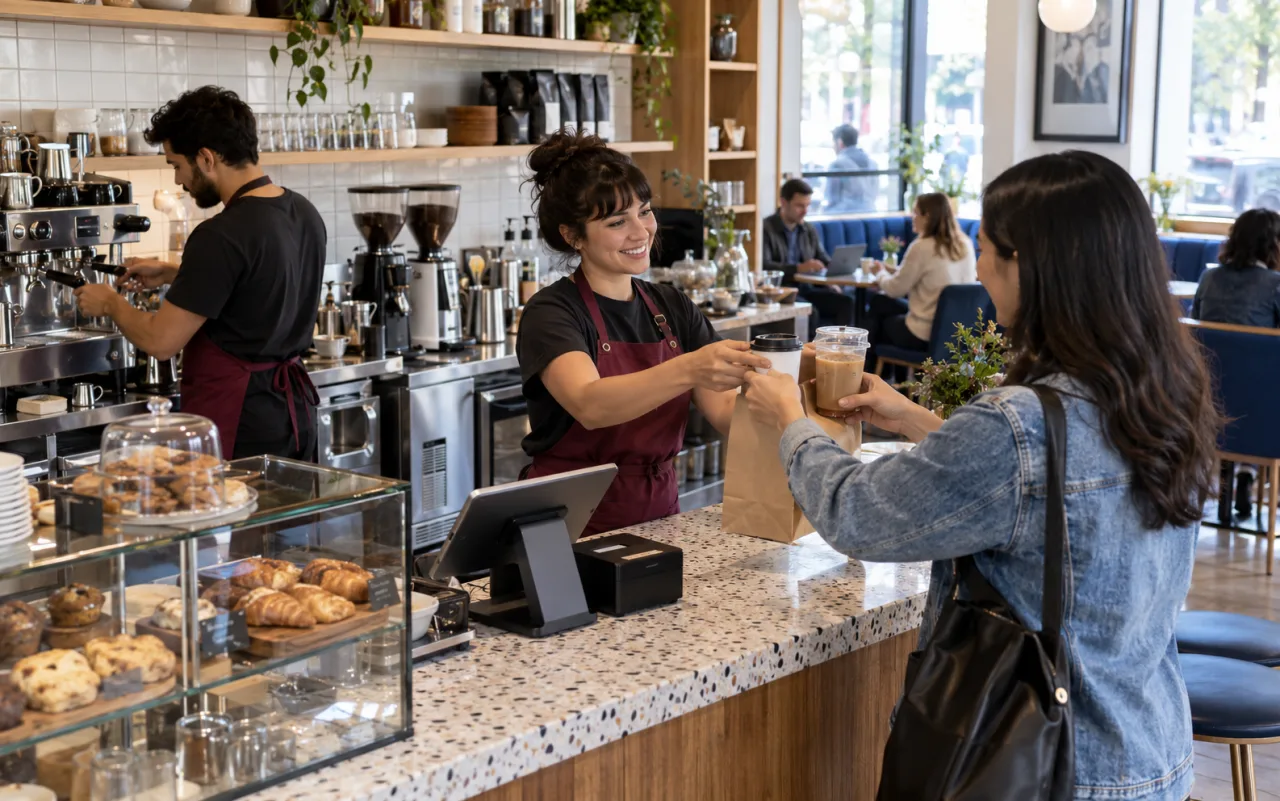
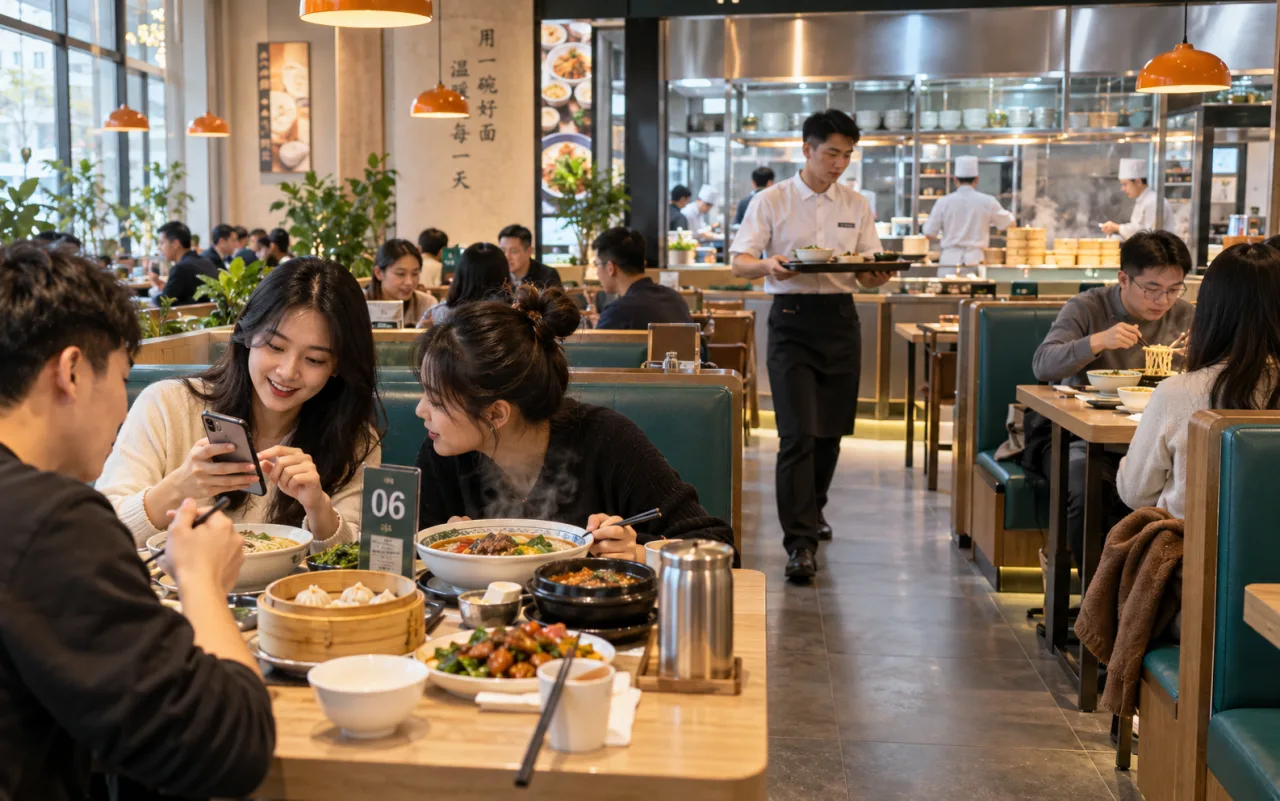
During peak hours, front-desk staff toggle between order-taking, explaining variants, and verbally relaying notes. Mixed dine-in and takeout orders make it difficult for kitchens to quickly prioritize production from paper tickets.
How to arrange system workflows?
1. Organize the menu first
Define cup sizes, temperature, toppings, and light meal combos as explicit options; avoid cramming critical specs into free-text notes.
2. Connect ordering entry points
Configure front-end and H5 table QR code menus; ensure every product option can be added to orders.
3. Assign kitchen tasks
Use kitchen tasks and kitchen tickets to distinguish pending vs. completed orders; verify note display and print routing.
4. Verify daily records
Cross-Check Payment Records, Orders, and Meal Preparation Records to Identify Handling Methods for Refunds, Cancellations, and Duplicate Prints.
How to determine if the process is ready?
- Accurate transmission of add-ons, dine-in, and takeout information to the kitchen
- Cancellations and refunds do not leave duplicate pending production tasks
- Manual verification entry available for abnormal orders after network restoration
Above is an illustrative use case. Contact us to explore suitable store workflows and feature combinations for your business.